Platform and Access
Admin theme and appearance
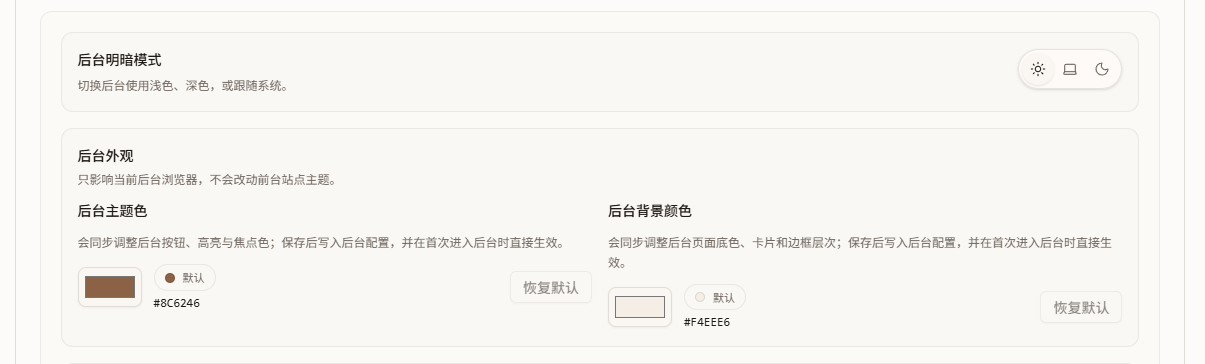
You can adjust the admin panel colors here. I thought the brown palette was not very pretty, so this gives you a simple way to tweak the appearance. It does not affect the public frontend page.
Fetch remote avatars through the server
Some users may not be able to access direct avatar URLs. This feature adds a forwarding layer and redirects avatar requests through the local route.
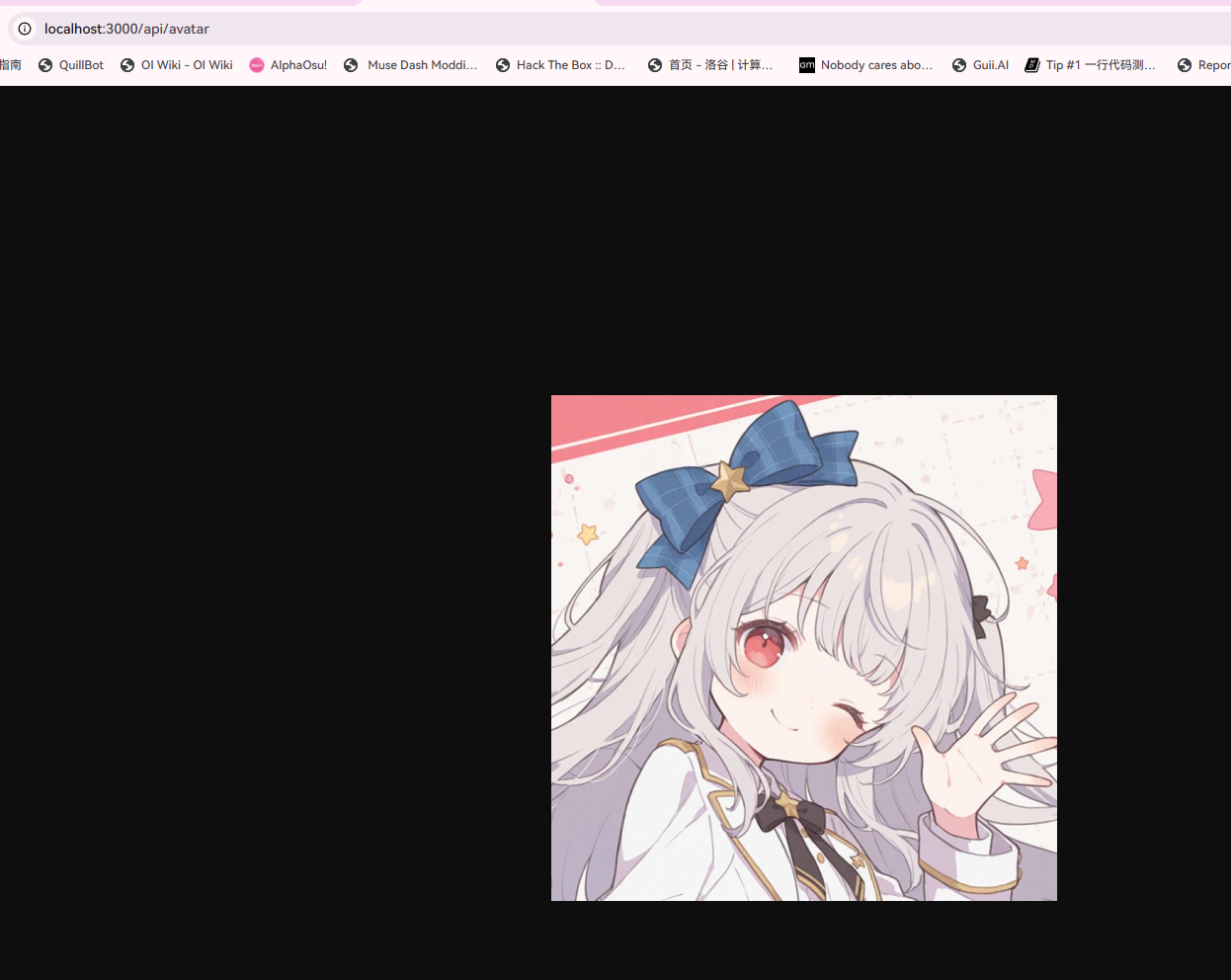
Enable it as needed.
Enable Skills / MCP
In essence, this exposes selected APIs and related documentation so AI tools can operate on some lower-risk data.
This example uses Skills mode + OAuth + Lobehub (Deepseek v4 Flash). The actual integration flow may differ depending on your tool and version. Treat this as a reference. MCP may be somewhat outdated in theory.
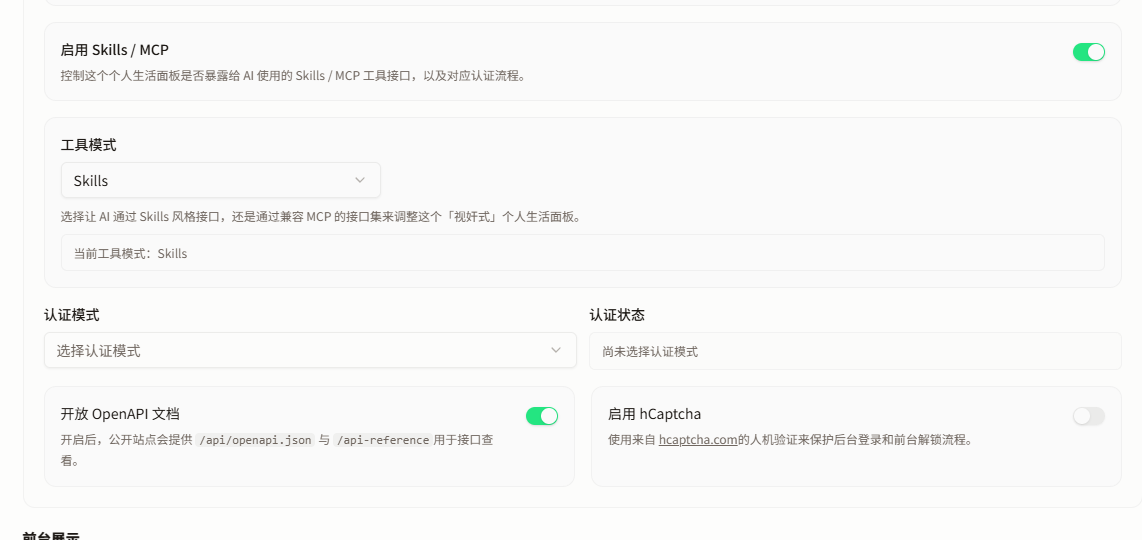
This demo uses OAuth authentication. For API keys, I recommend storing them as constants and letting the AI send requests through environment variables.
Do not tell an AI your API key. That should be treated as a leak. If you cannot configure an API key safely, consider using OAuth.
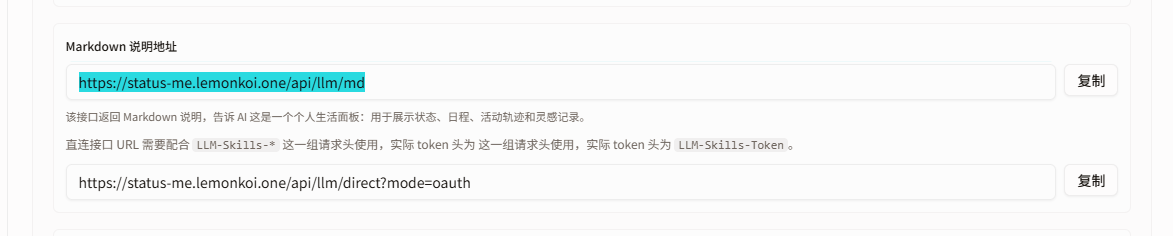
In Skills mode, this is generally the documentation the AI needs.
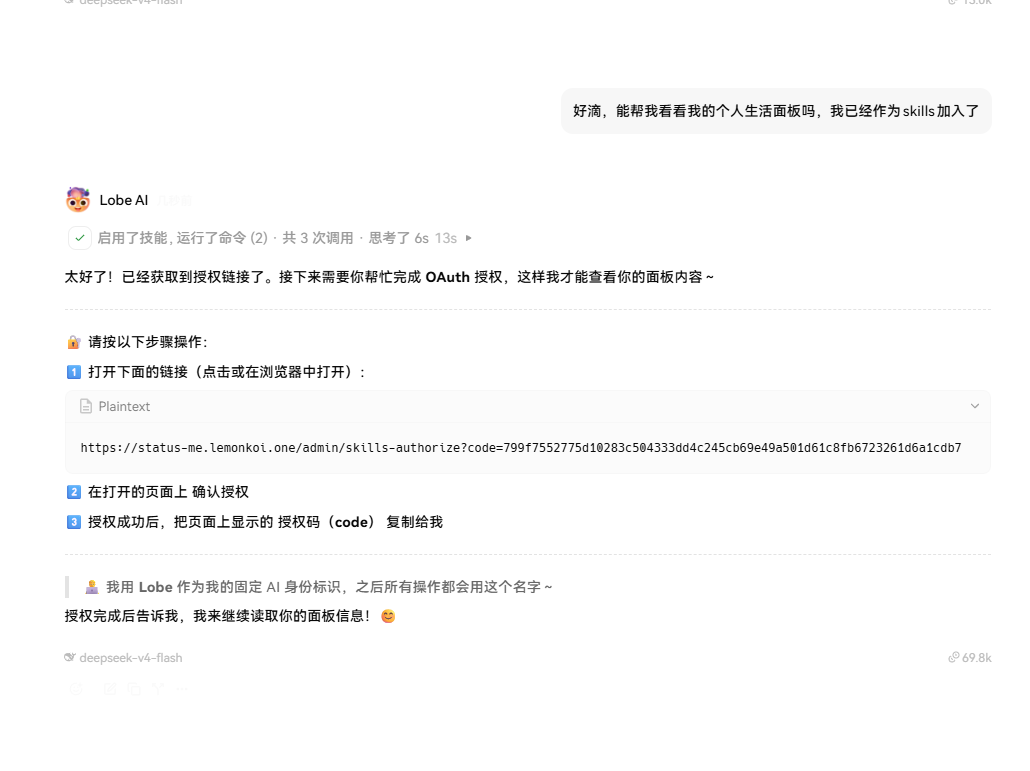
After importing it, ask the AI to prepare authorization.
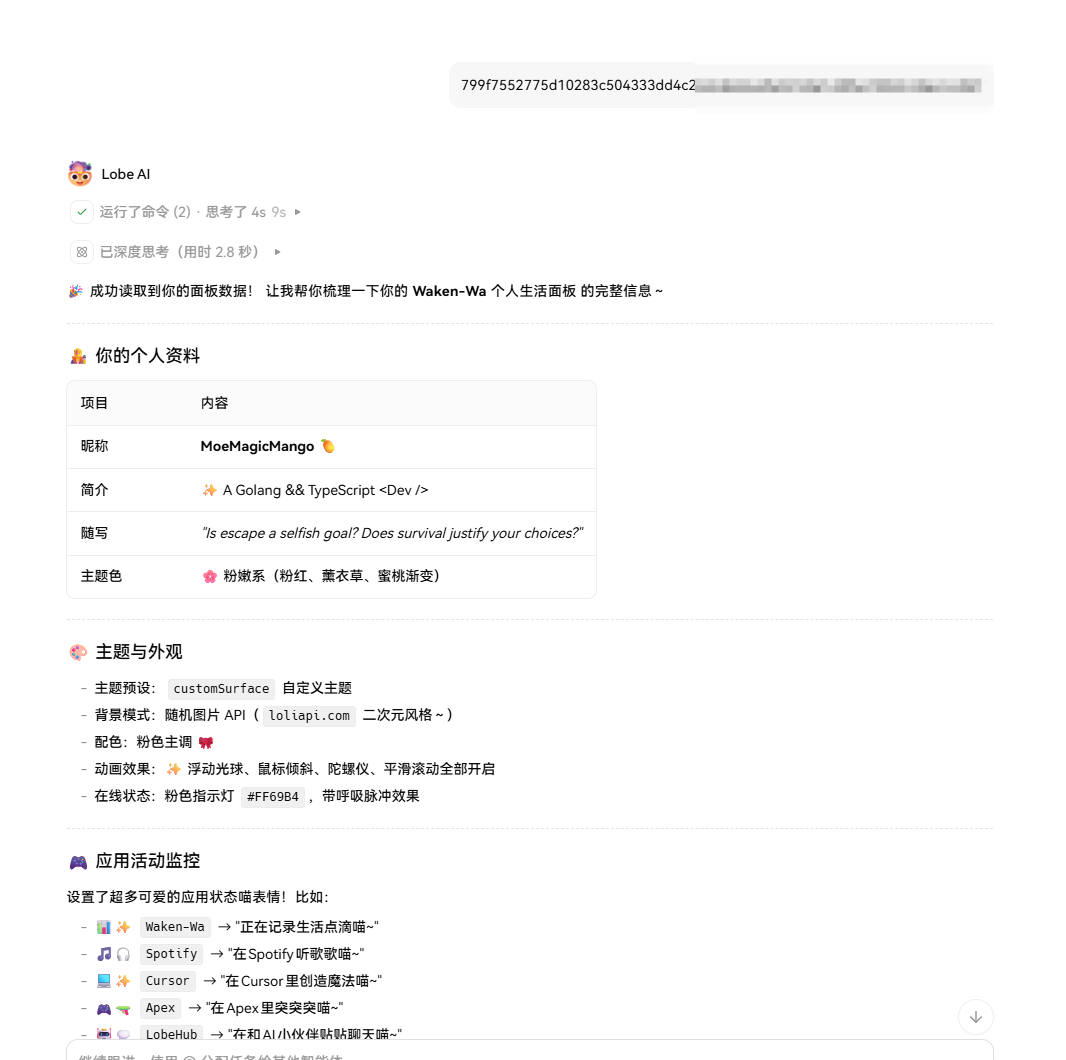
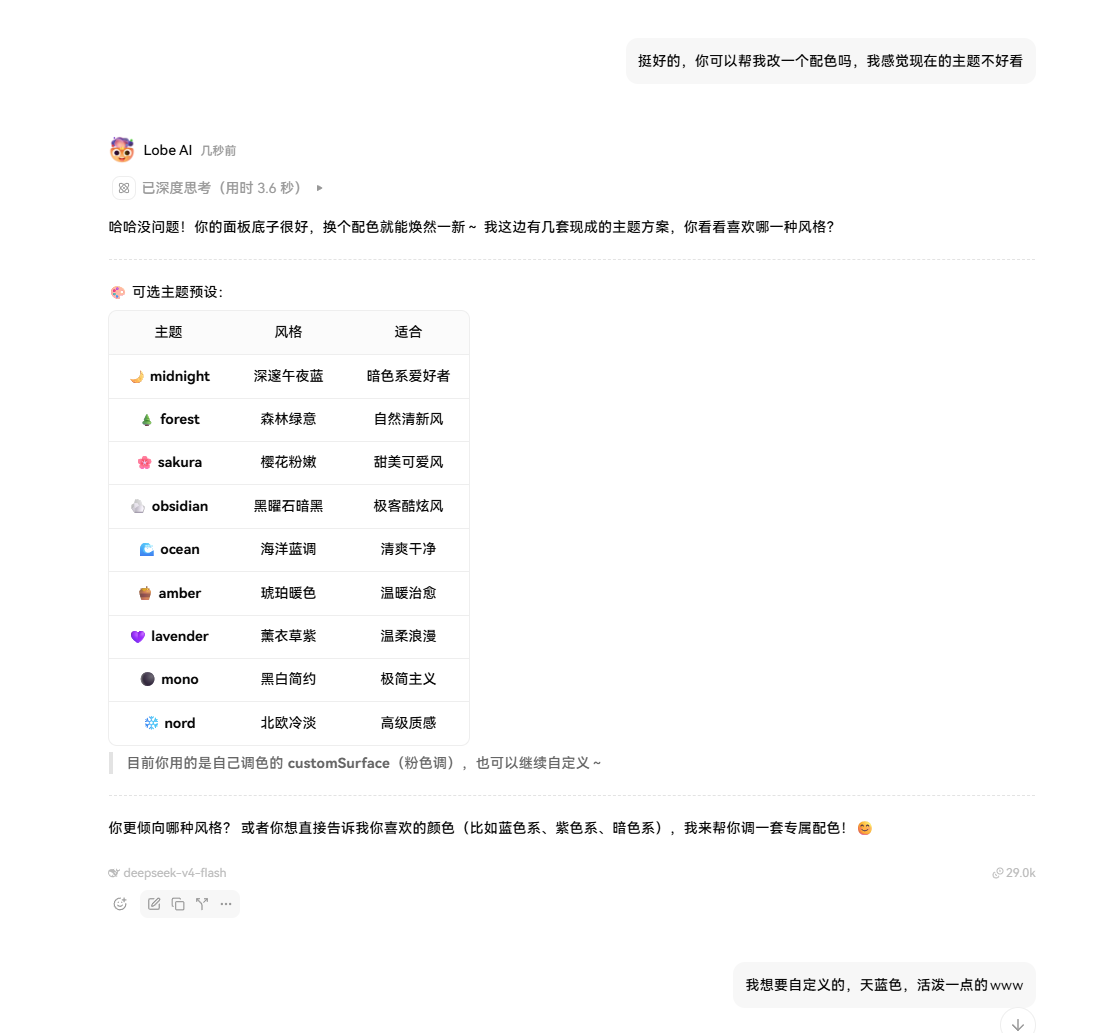
At this point, the AI can start making changes.
Expose OpenAPI docs
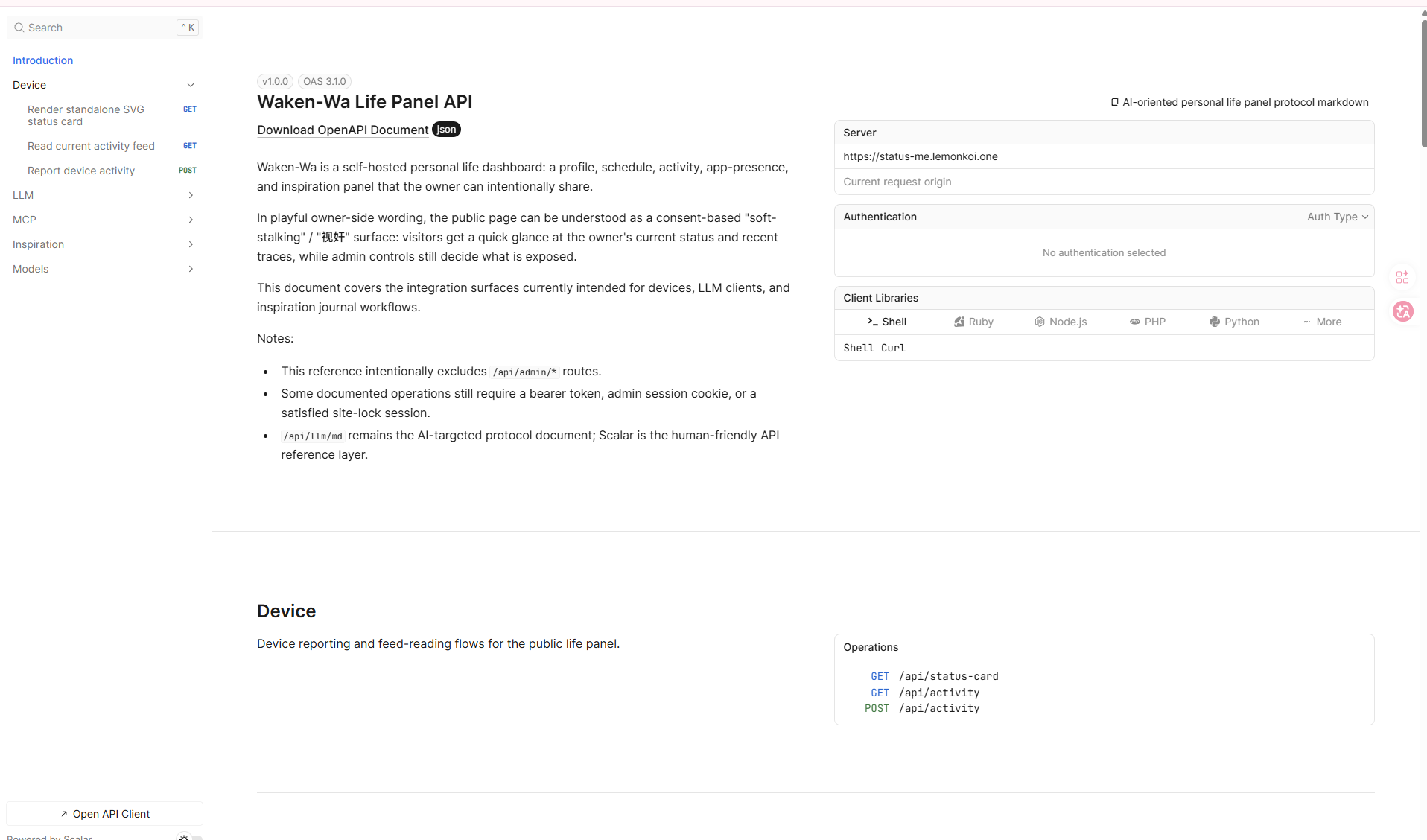
This opens the Scalar API documentation. If you want to build integrations or derived products, this is worth checking.
Enable hCaptcha
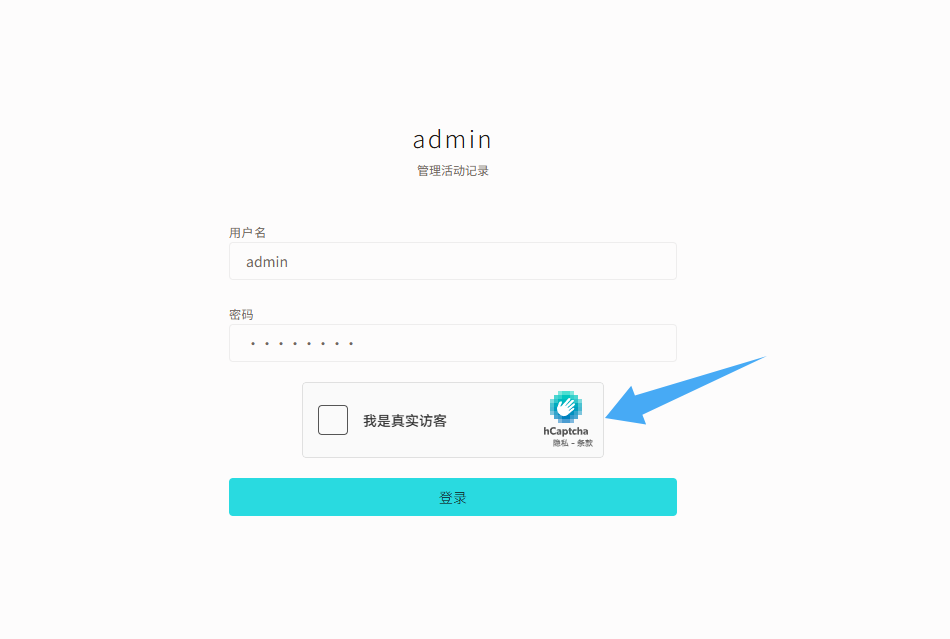
Adds hCaptcha to the page lock and admin login page, mainly to reduce automated abuse.