🏠 Overview
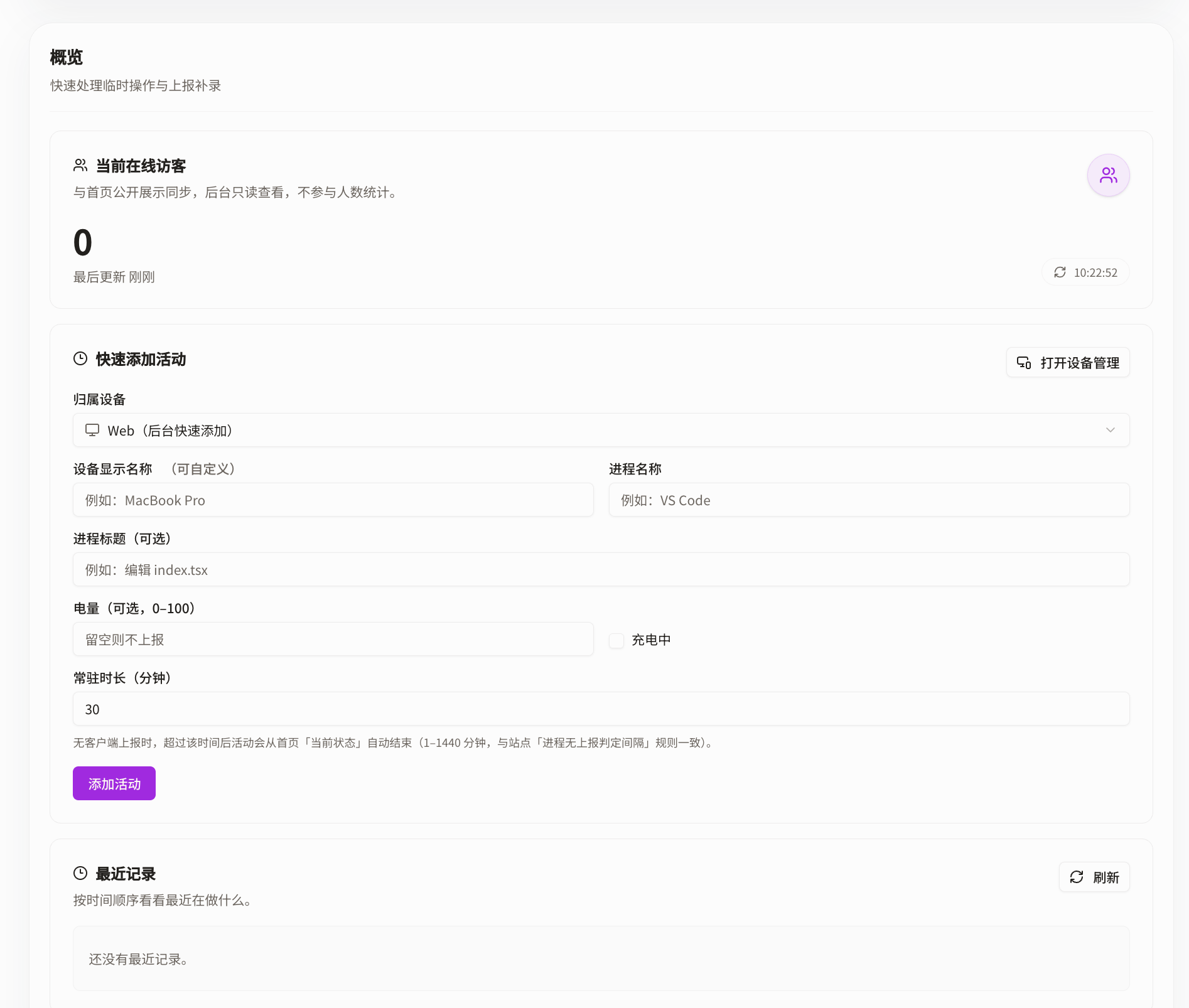
The overview is split into three parts: current online visitors, quick activity entry, and recent records.
Current online visitors
This section counts visitors by recording short-lived /api/vistor requests sent within a short time window. The implementation is fairly simple.
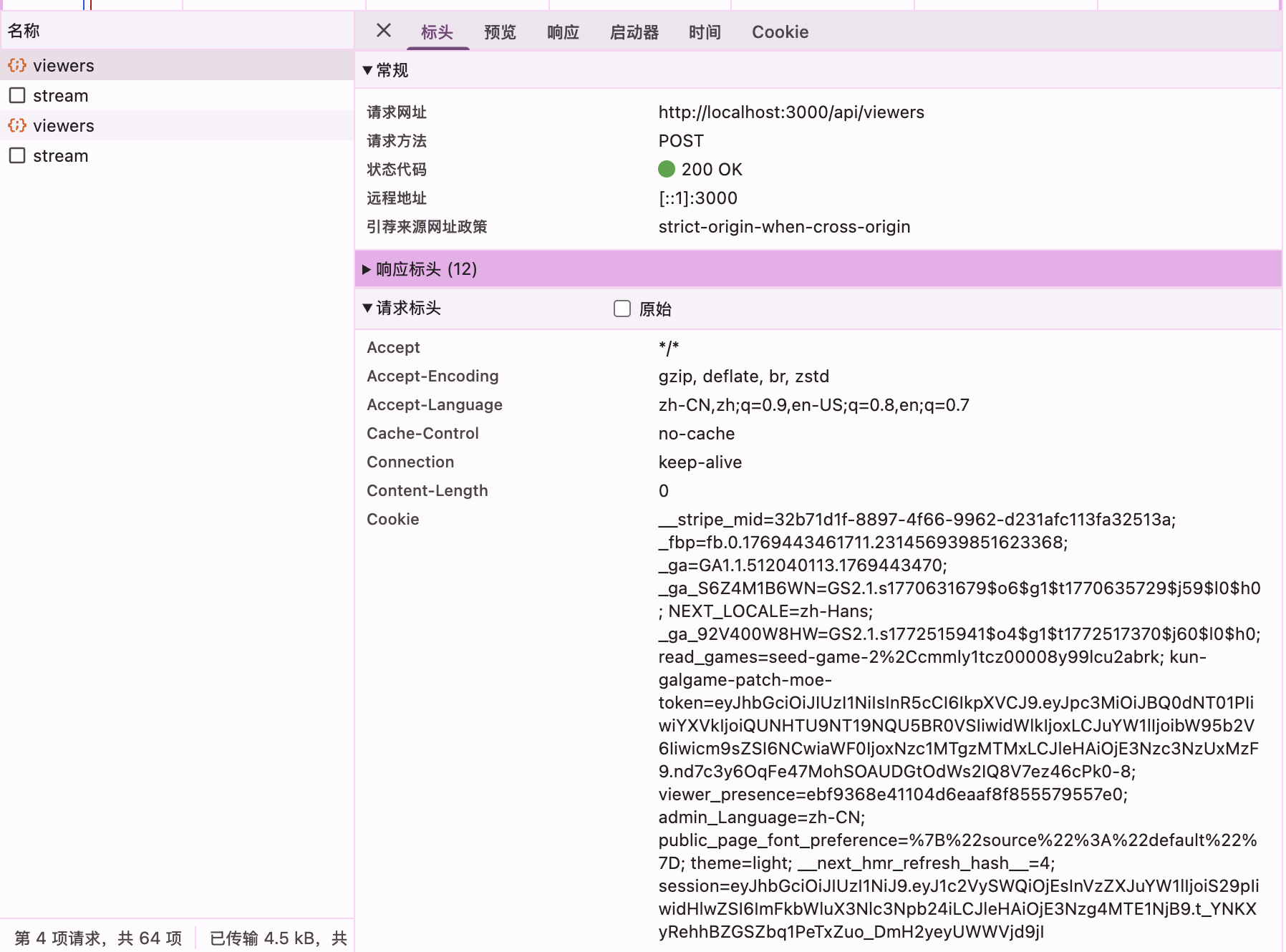
If the user blocks cookies, this mechanism should stop working.
Quick activity entry
This project uses two kinds of activity:
- Realtime activity: user activity that is live and online right now
- Active activity: longer-lived activity that can stay in place for a while
Note that Active activity can be overridden by Realtime activity. Realtime activity should have the highest priority.
Quick activity entries are created as Active activity.
If the user adds it through the owning device's web interface, it will be treated as a new device state isolated from other devices.
If another device is selected, it will be treated as a state update for the selected device.
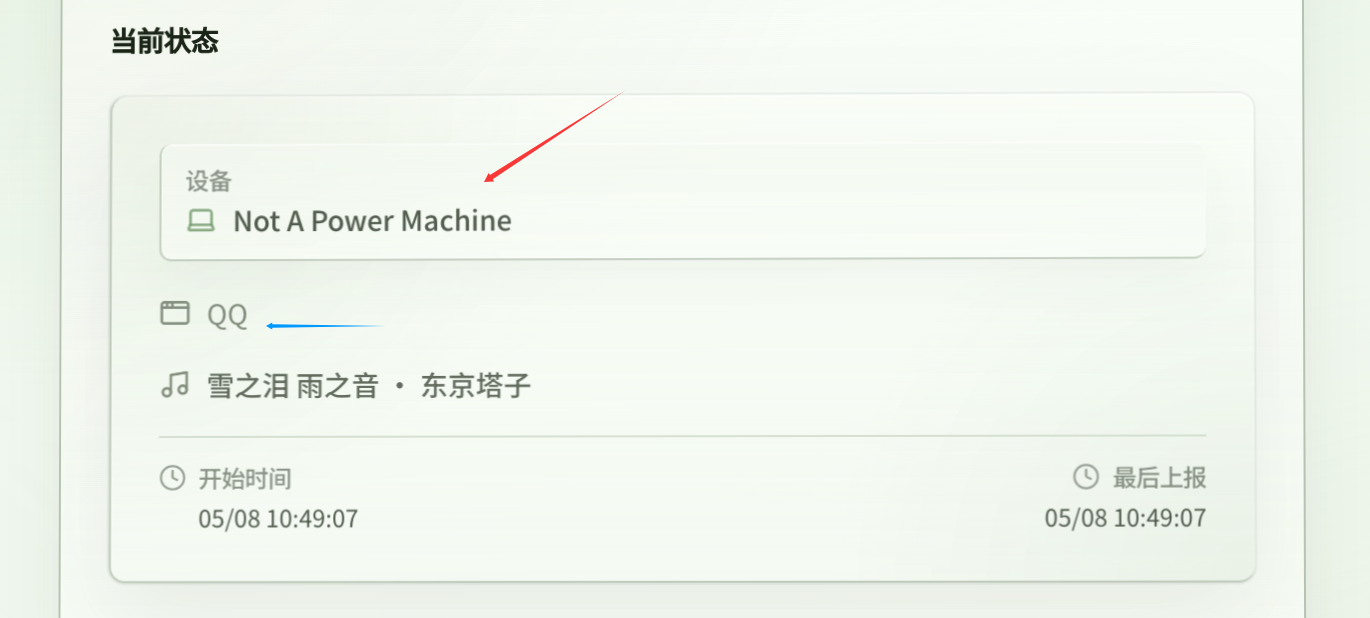
The first line is usually the device display name.
The process name and process title usually map to the second line, and can be processed by rules.
Battery is optional. If it is filled in or reported, it usually shows up like this, especially on mobile devices.

If the device is charging, a charging badge will appear.
Recent activity
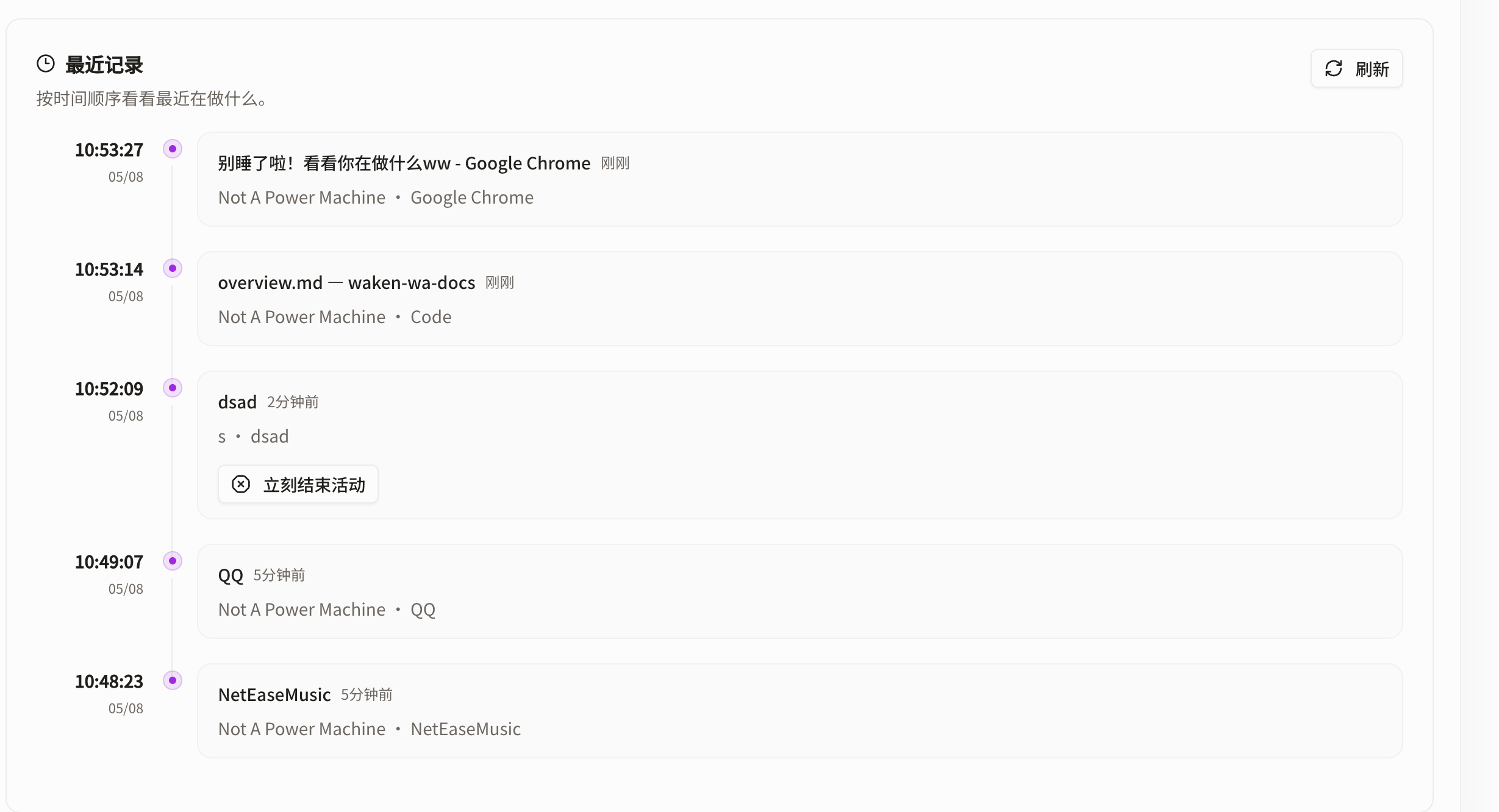
This usually shows the latest 20 activities (version 0.70+; older versions showed 5). Active activities can also be ended early here.
API
- Make sure the admin OpenAPI docs are enabled, then visit this route:
api-reference#tag/device/POST/api/activity