Welcome
✨ A self-hosted personal status page for your digital life
😴 Waking up in the morning is awakening. Writing "today was good" late at night is also awakening.
Waken-Wa Web turns your devices, music, active apps, Steam games, schedule, and notes into a real-time personal homepage. It is less like a traditional monitoring dashboard and more like a small digital room where friends can see what you are up to right now.
✨ Live demo: Status
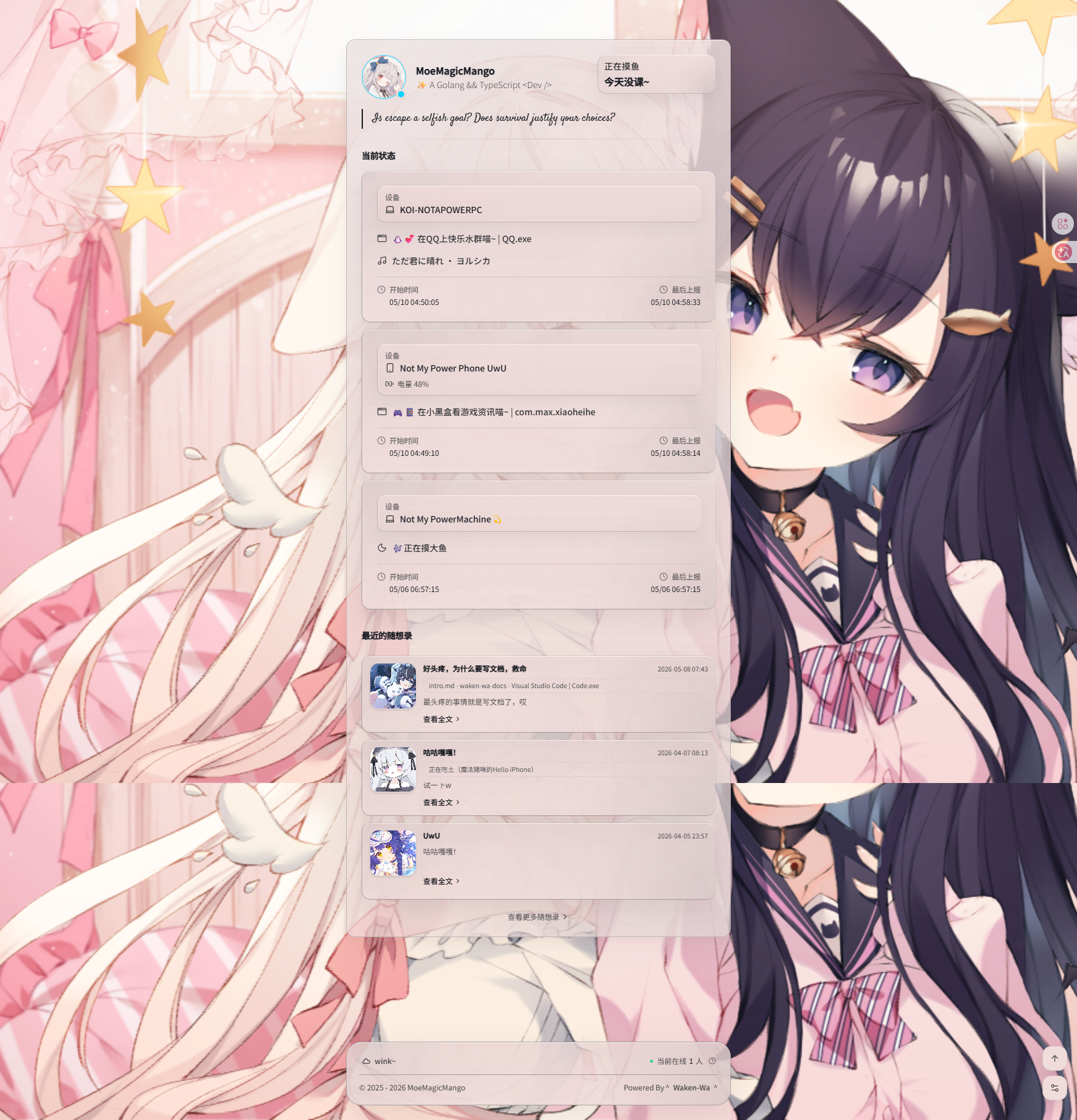
What Can It Do?
🕵️ A Self-Hosted Personal Status Panel
Show your online state, current device, music, active app, Steam game, schedule, and short notes on a real-time homepage. You host it yourself, keep control of your data, and decide what should be visible.
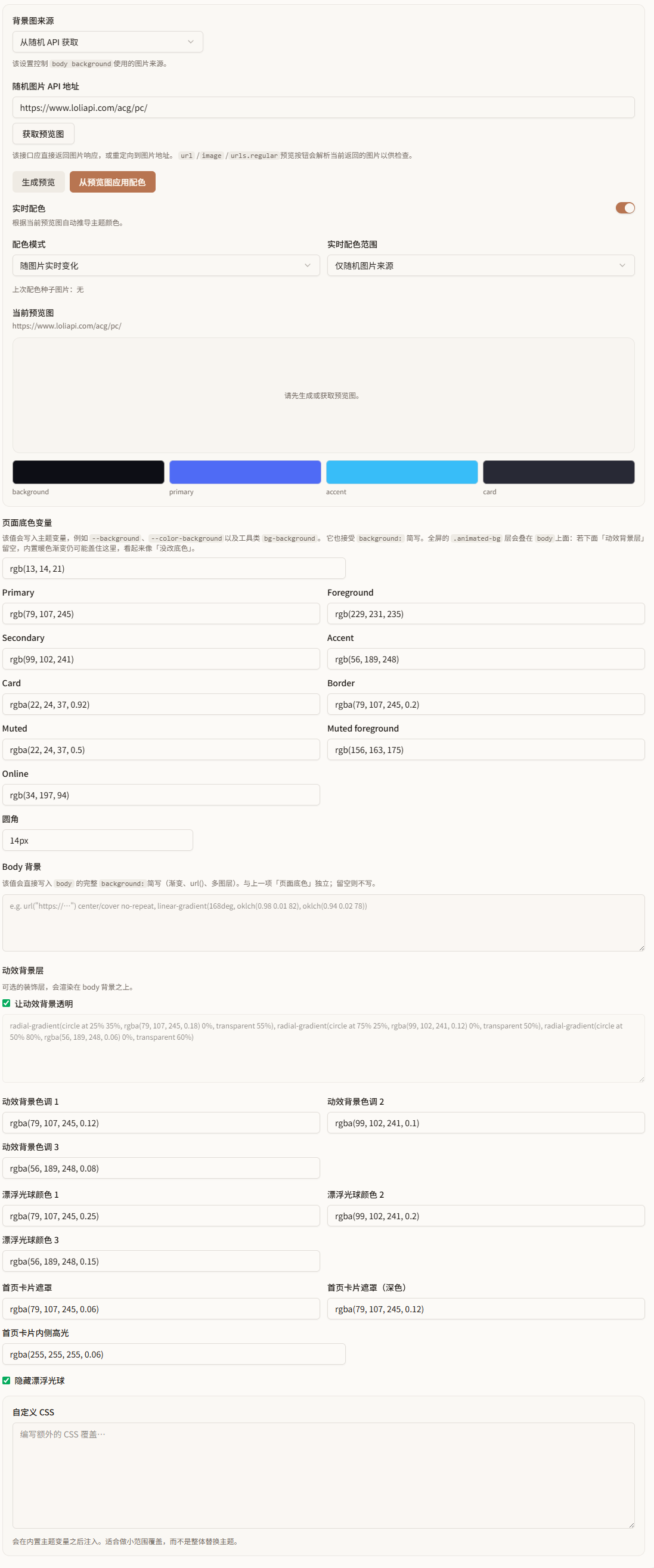
🎨 More Than a Plain Status Page
Waken-Wa Web supports theme color extraction, custom backgrounds, status text rules, and personalized cards. The result can feel like your own personal space instead of a cold service status board.
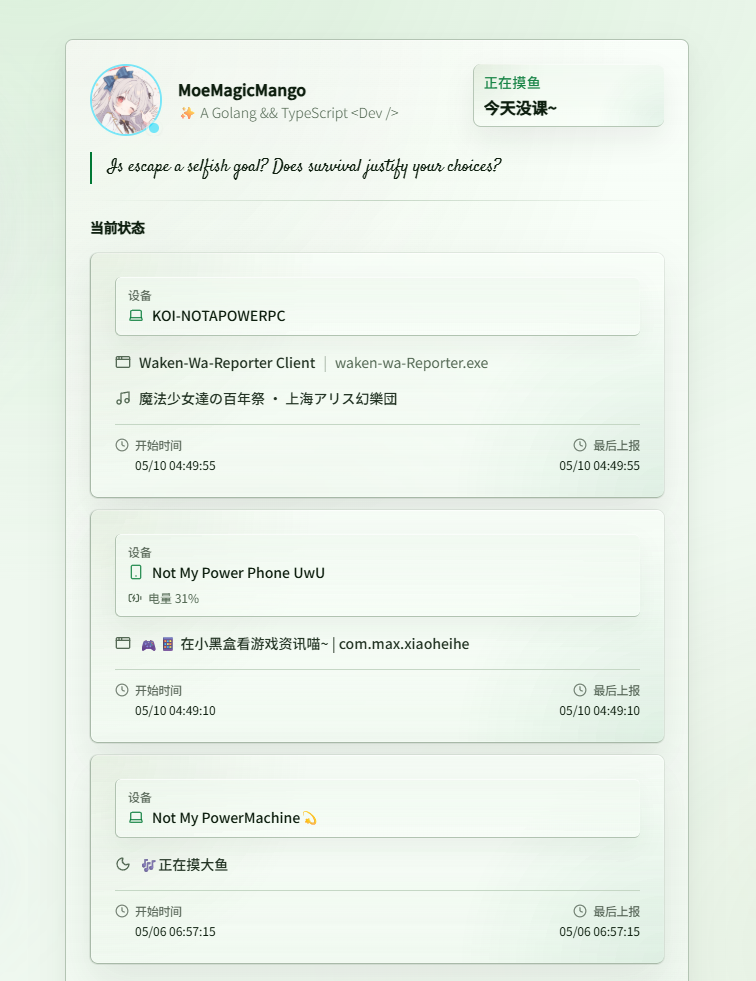
📡 Automatic Multi-Device Sync
Reporters and APIs can send status updates from desktops, mobile devices, or scripts. Your page can automatically show whether you are online, offline, busy, in class, listening to music, or playing a game.
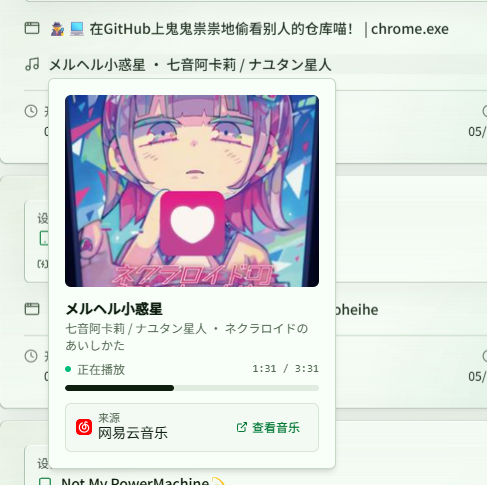
🎵 Music, Apps, Games, and Schedules
Beyond basic presence, Waken-Wa Web can display music progress, the current app, Steam activity, and ICS calendars or class schedules, making the page feel closer to your real daily rhythm.
🧩 Embeddable and Extensible
Use Waken-Wa Web as a personal homepage, a forum signature card, a GitHub README status card, or a shared entry point for friends. You can extend it further with OpenAPI, status rules, and embeddable cards.
What Will These Docs Cover?
This is the documentation site for Waken-Wa Web. A good starting path is:
- Read Installation and Deployment to get the service running.
- Follow First-Time Setup to configure the site, account, and core features.
- Continue with Reporter, music, apps, Steam, ICS schedules, embeddable cards, and other personalization options.
A quiet note
The project is still evolving, so features and docs will keep improving. If this documentation helps you build your own status page, that would make us very happy.