✍️ Inspiration Log
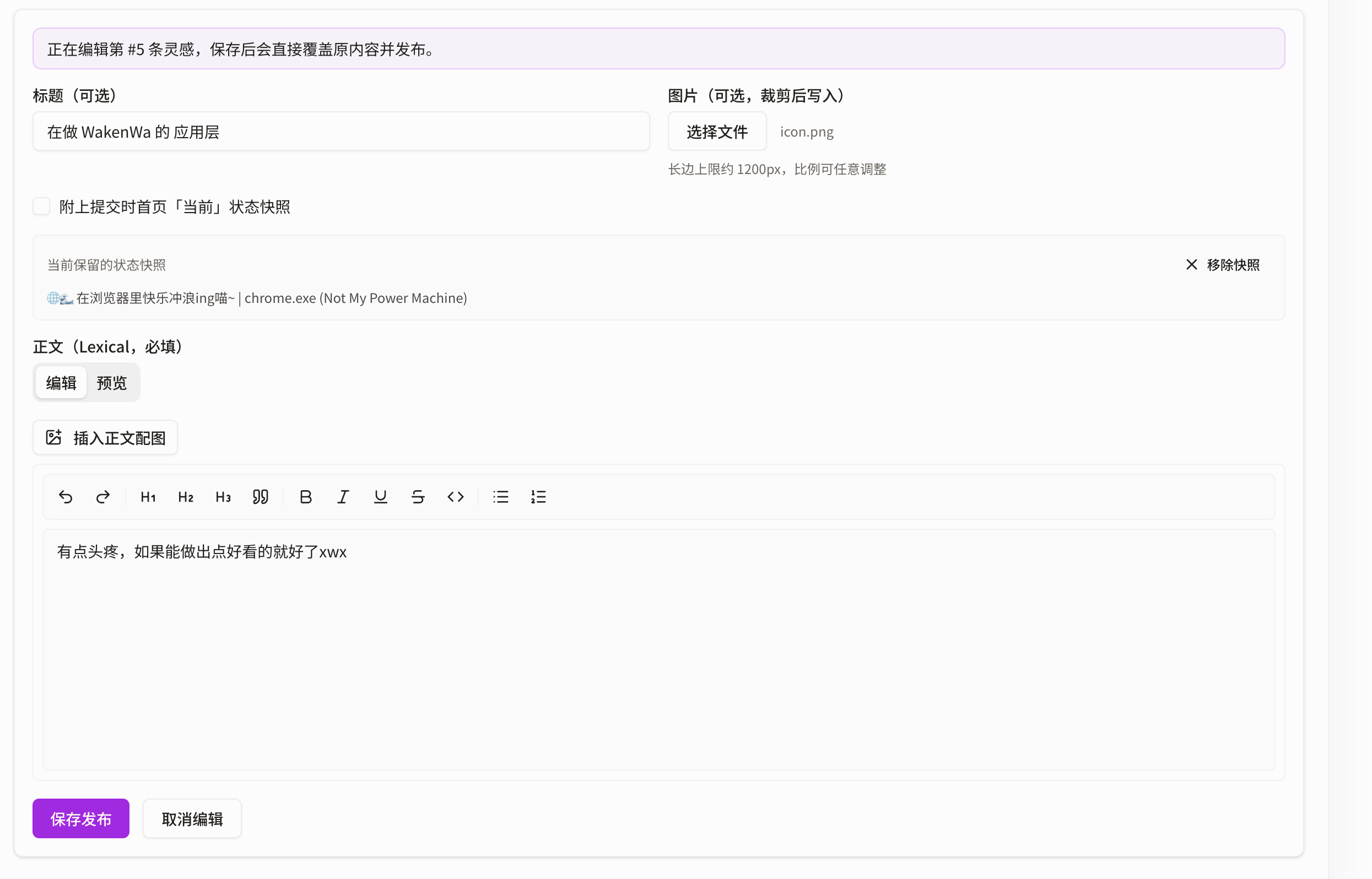
The inspiration log works much like a modern blog editor. It uses Lexical, a very good open-source text framework.
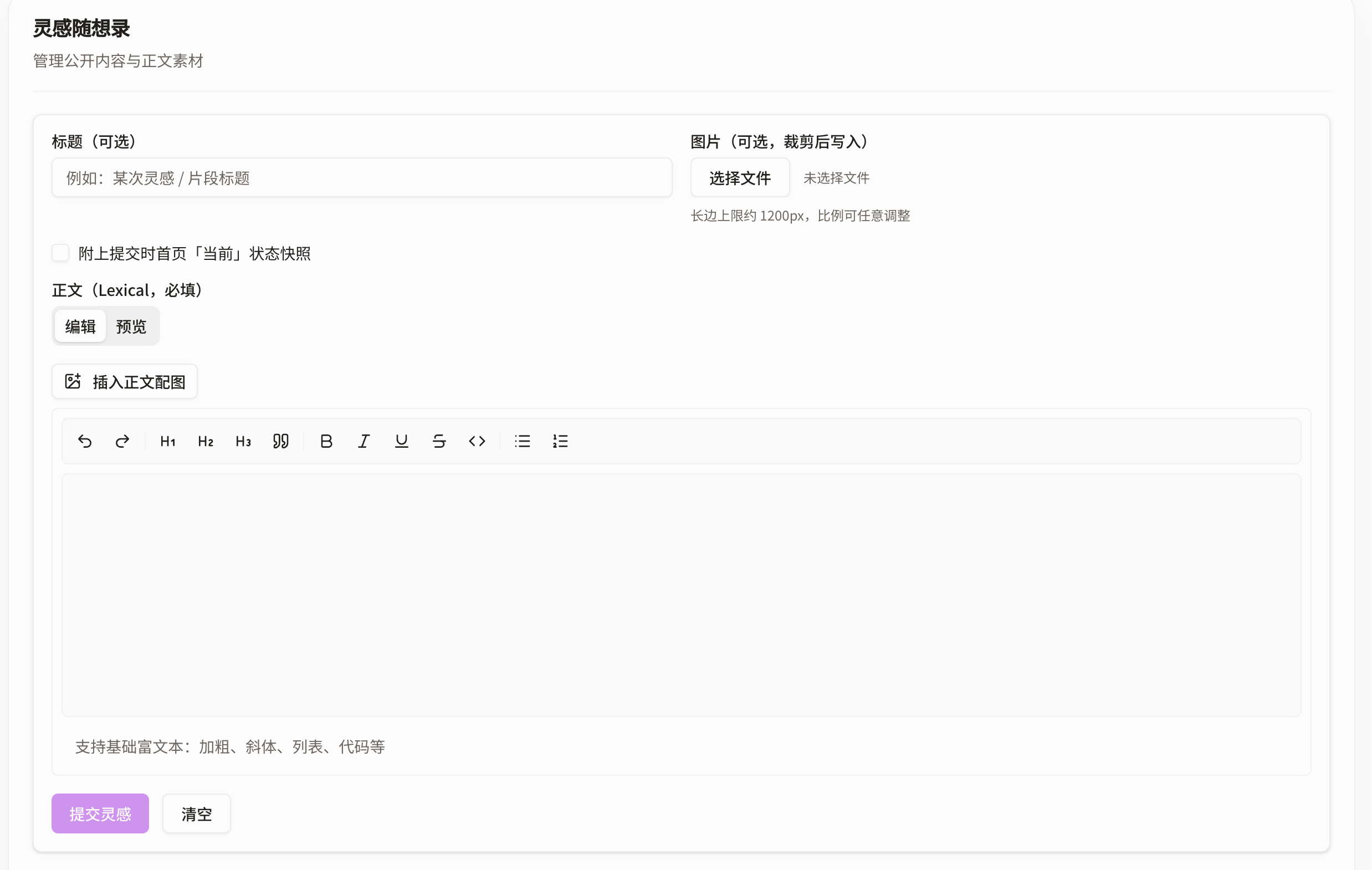
Writing text
The text box supports Markdown syntax. If you do not know Markdown, see this guide.
You do not need to memorize the syntax, though. The toolbar includes Word-like buttons that can add formatting for you.
The result may look like this:
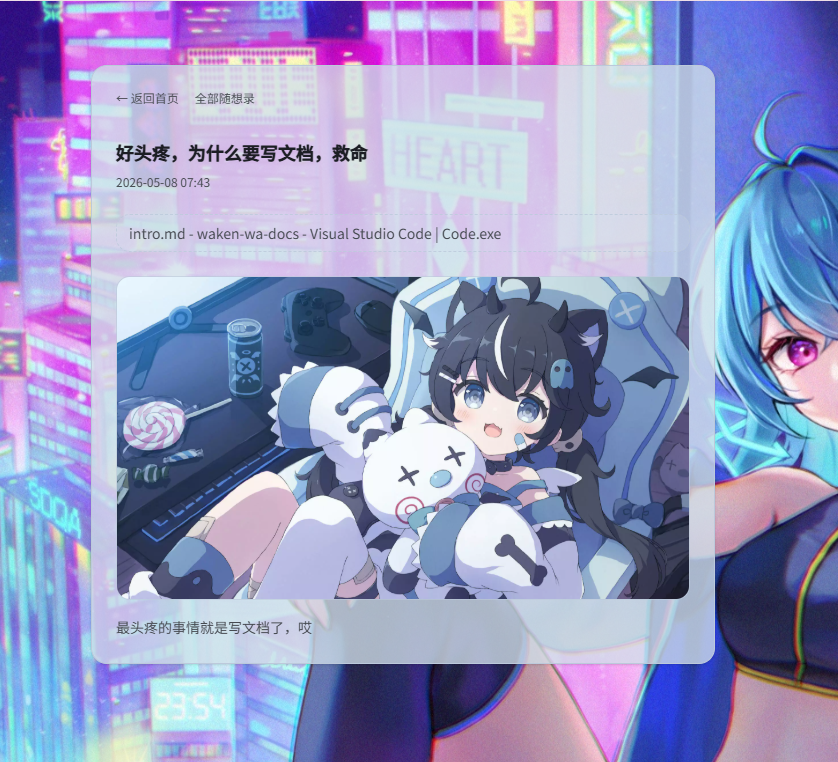
Cover images
Cover images should use a 16:9 ratio and be no wider than 1200 px. They will need a second crop.
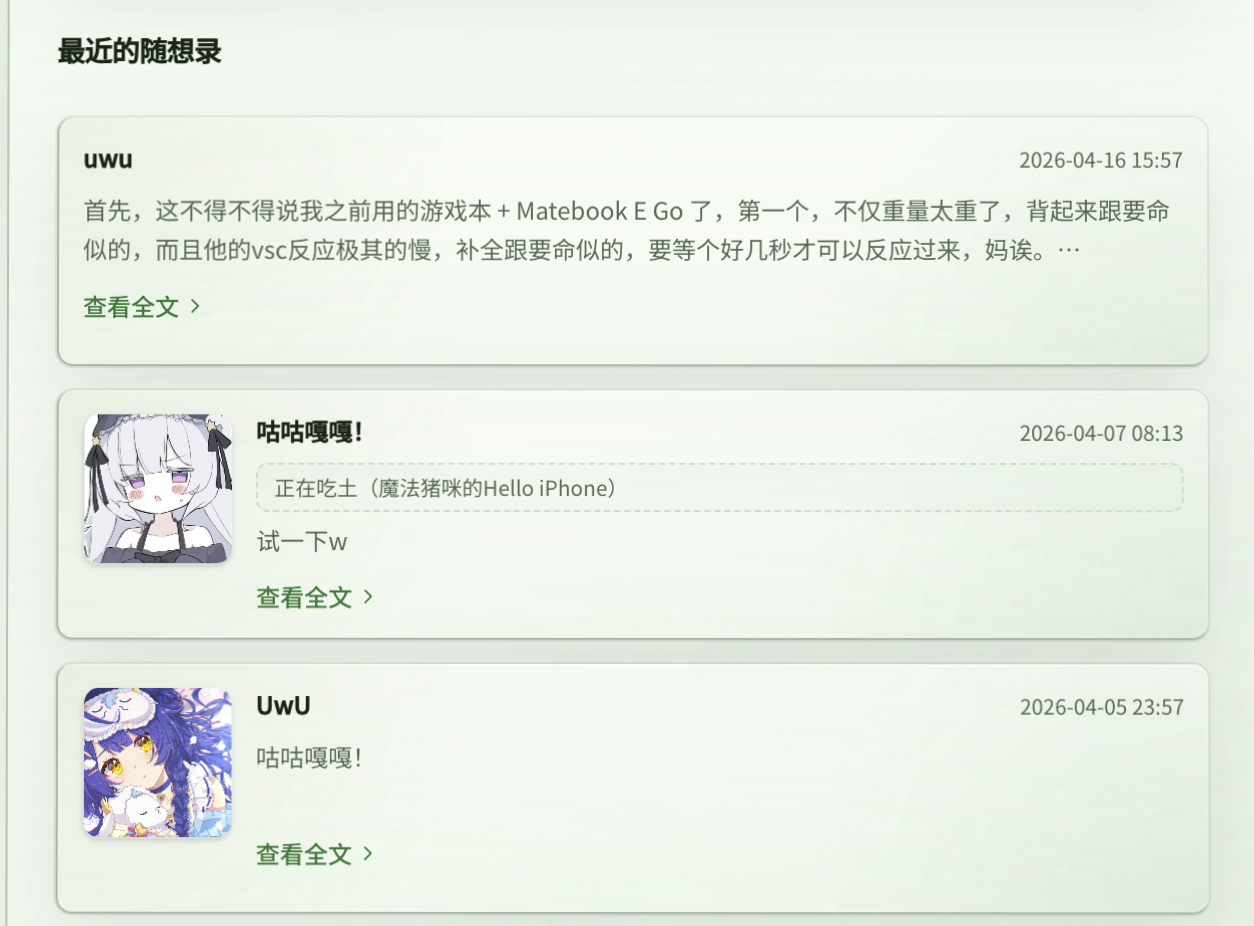
In actual display, if there is no cover image, the first image inside the article is used as the list image.
If there are no images at all, the entry displays plain text, like this:
"Submit current task snapshot"
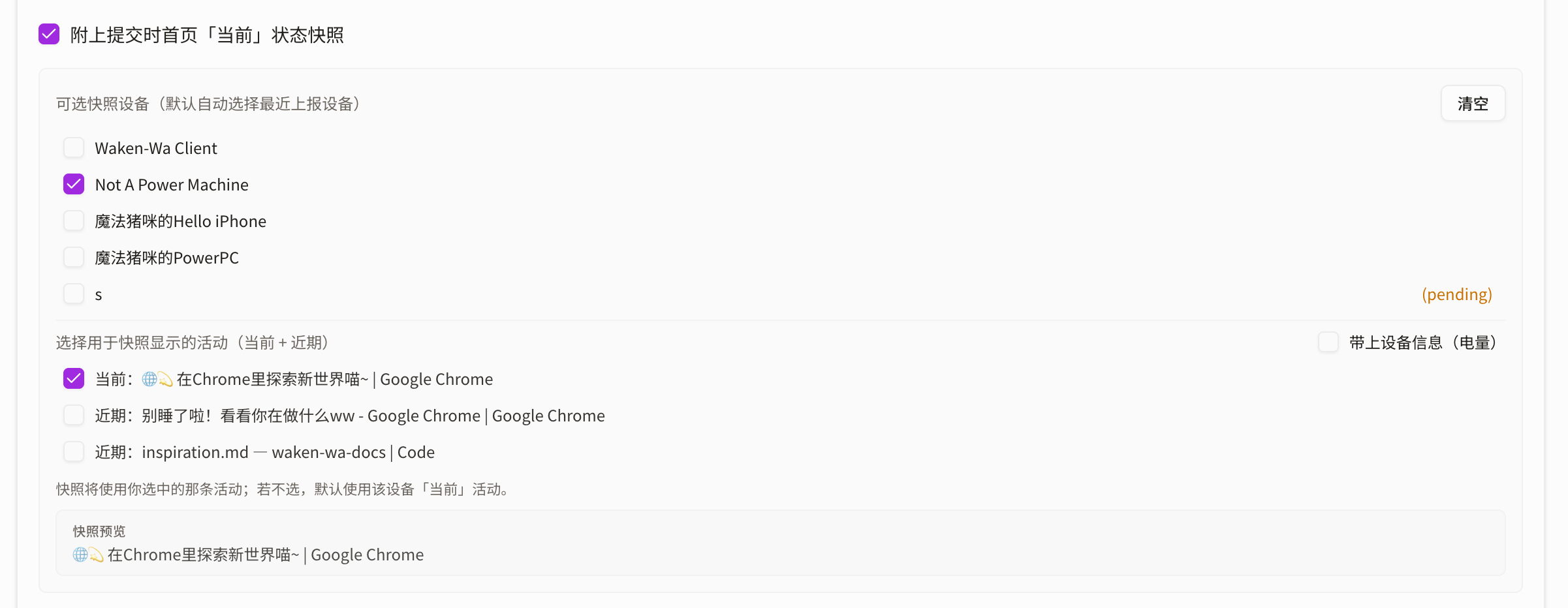
Usually, you can choose from existing tasks that have not been forgotten, then write down both your thoughts and what you were doing at the time.
If device information is available, the "include device information" option on the right can show the device you are using.
It is generally displayed as device name · battery.
Search
There is not much to explain here. Open a result to view the related content, and use the controls on the right to delete or edit the status information from that time.
Submission
See:
api-reference#tag/inspiration
Image uploads have extra requirements and generally need to be uploaded before the entry is submitted.